Screenshots
See it in action
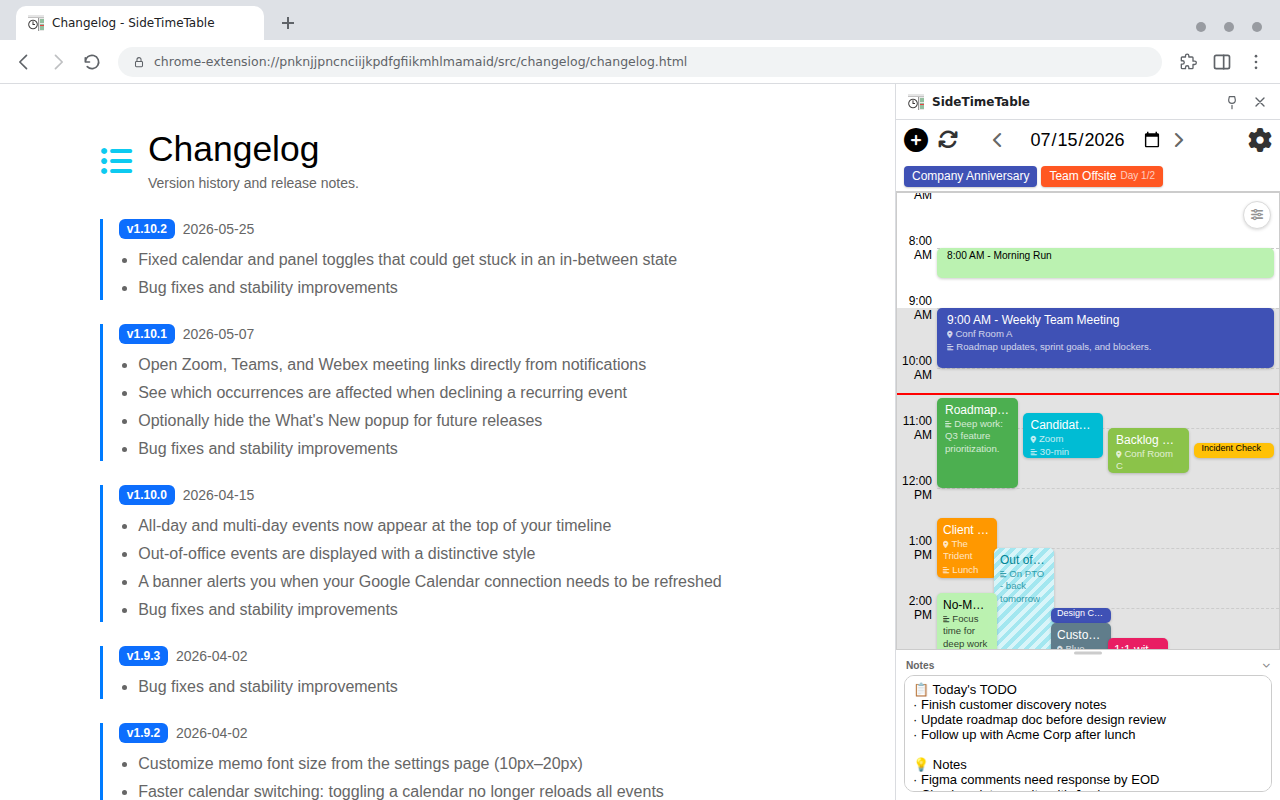
Syncs with Google Calendar to show today’s schedule
as a timeline while you work.
Never miss an important event again.
Everything you need, in a single side panel
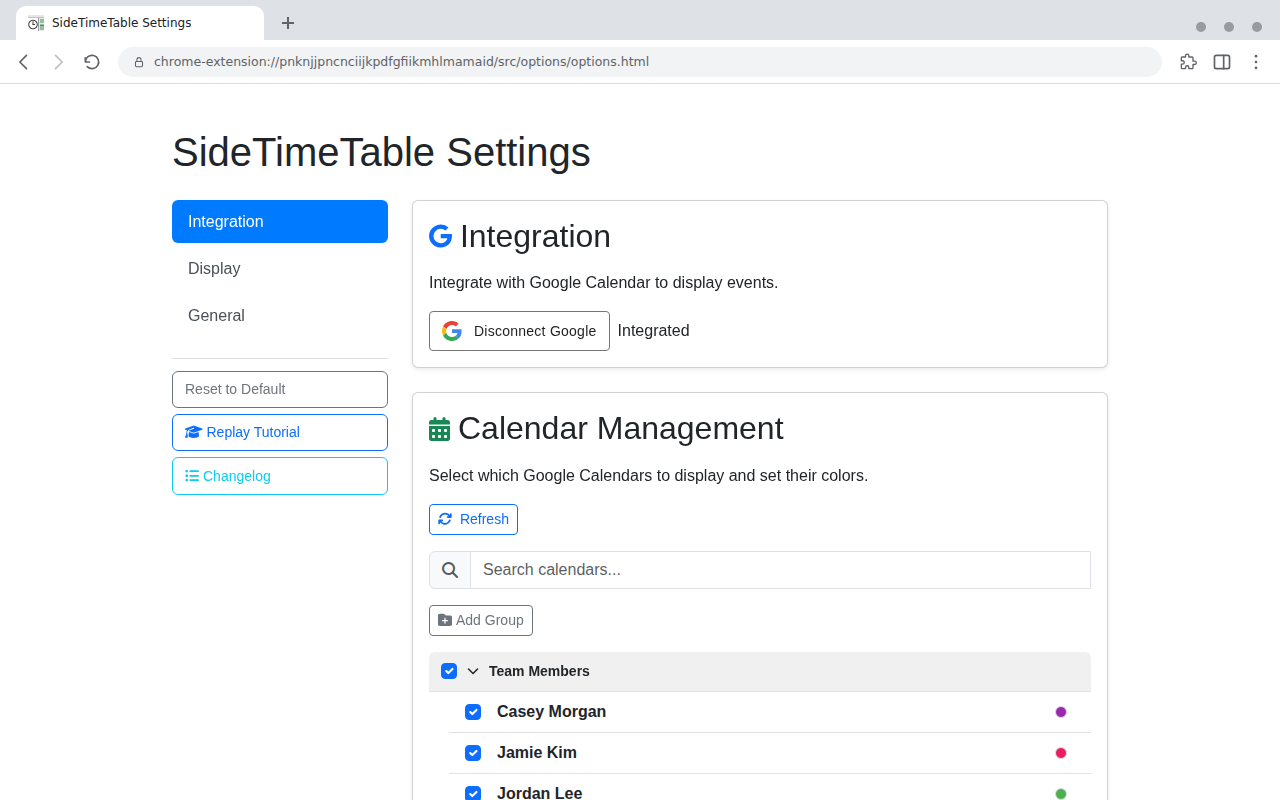
Seamlessly sync multiple calendars. Group them together and switch between work and personal with one click.
Visualize your schedule along a time axis. Overlapping events are arranged automatically so you can grasp your day at a glance.
A red line always marks the current time, so you can intuitively track your progress through the day.
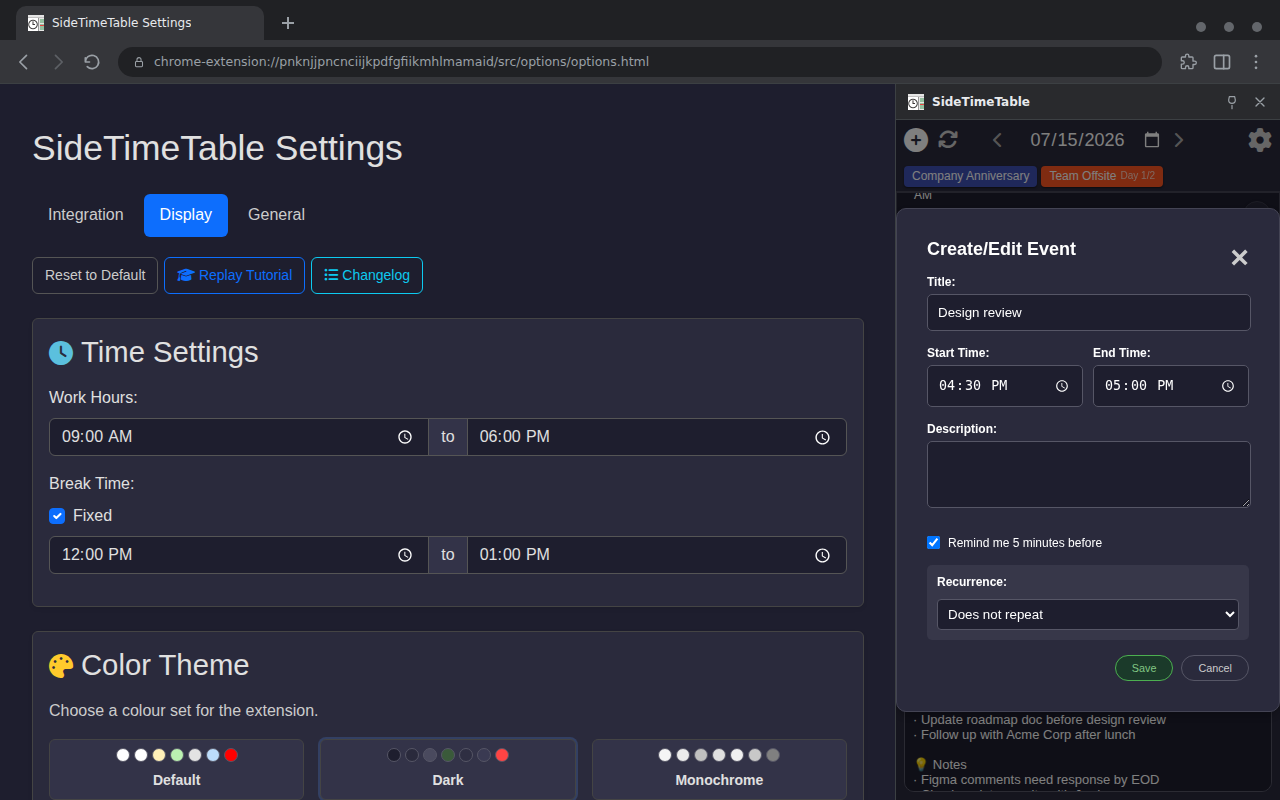
Manage your own events without a Google account. Recurring events are supported too.
Get notified before important events. Reliable alerts at the timing you choose, so nothing slips through the cracks.
Adjust display settings, color schemes, and working hours to your liking. Includes color-blind-friendly presets and English/Japanese support.
A collapsible memo area at the bottom of the panel. Resize it freely — your notes are saved automatically.
Three steps to get the side panel up and running
Click the button below to visit the Chrome Web Store page.
Click the “Add to Chrome” button at the top right of the page.
Click the toolbar icon and start using it right away.